TweakNow WinSecret Plus v9.4.6
Screenshots
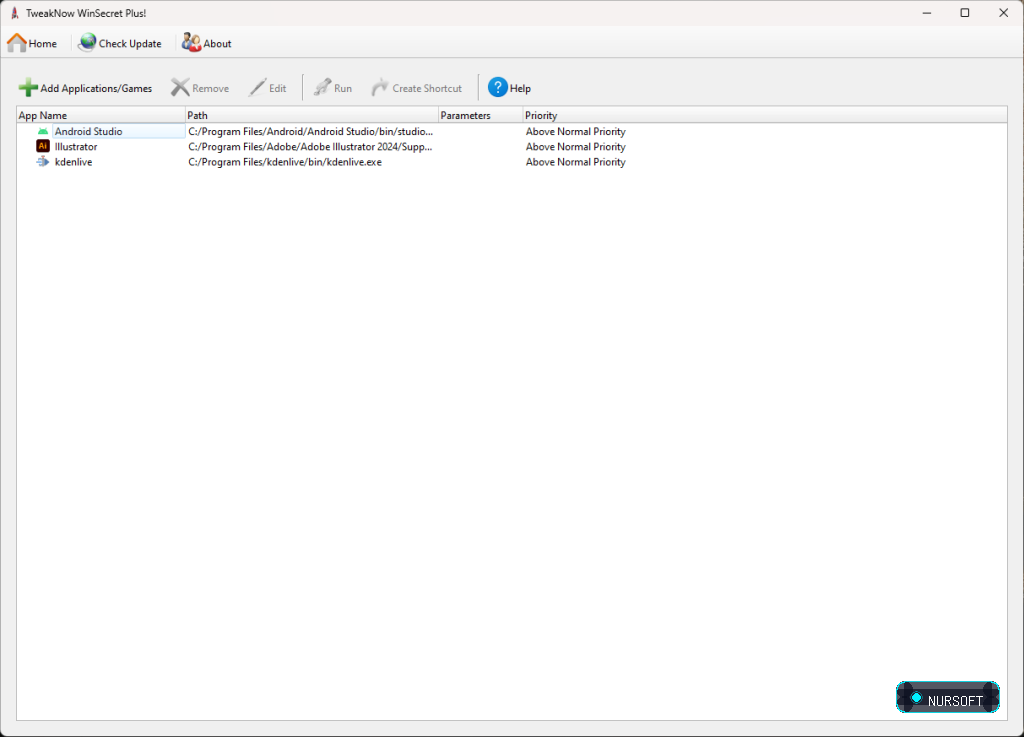
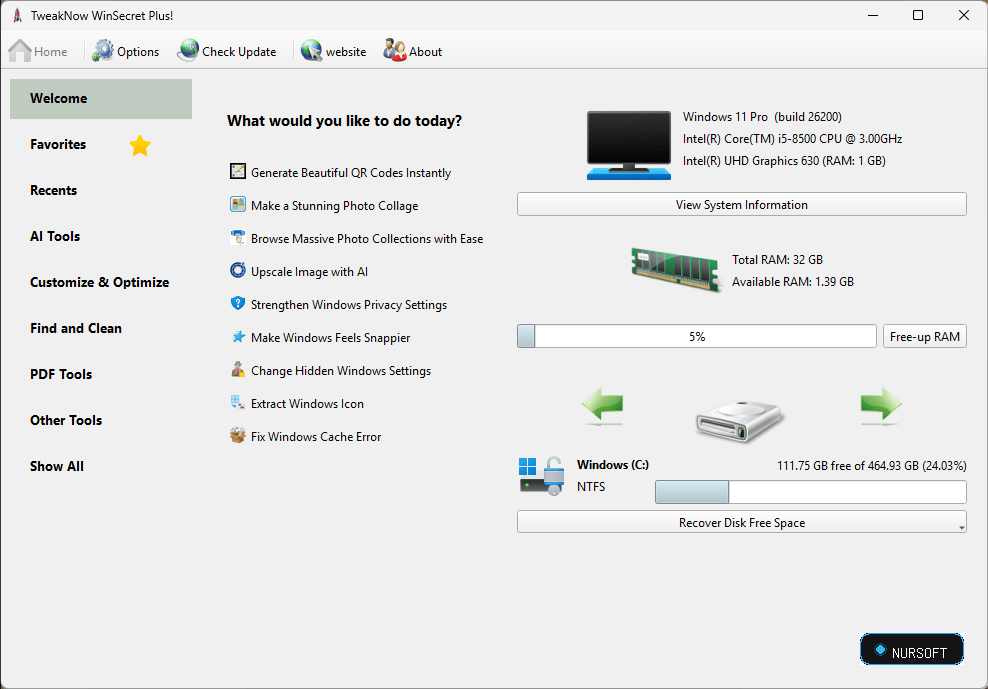
Description
Windows 11 comes with a fresh and appealing visual, but if you are not happy with the new GUI and want to make the OS your own, you will be happy to learn you can easily use specialized tools. TweakNow WinSecret is a tool designed to help you enhance the looks and feel of Windows 11.
Allows you to customize the Taskbar and overall appearance
The program comes with a minimalistic and user-friendly interface that is split in tabs representative for their role. In the Taskbar tab you have several options where you can customize various aspects related to the taskbar, including the size, alignment, position and items.
The program provides an easy way to get basic system icons on your desktop without having to go through the settings. From the Desktop tab, simply select the icons you need and specify the spacing on all desktop icons, if preferred. Other noteworthy functions include changing the theme color (light and dark), including a login message or configuring the interval the system should wait to terminate a non-respondent application.
Includes some features to help improve your privacy
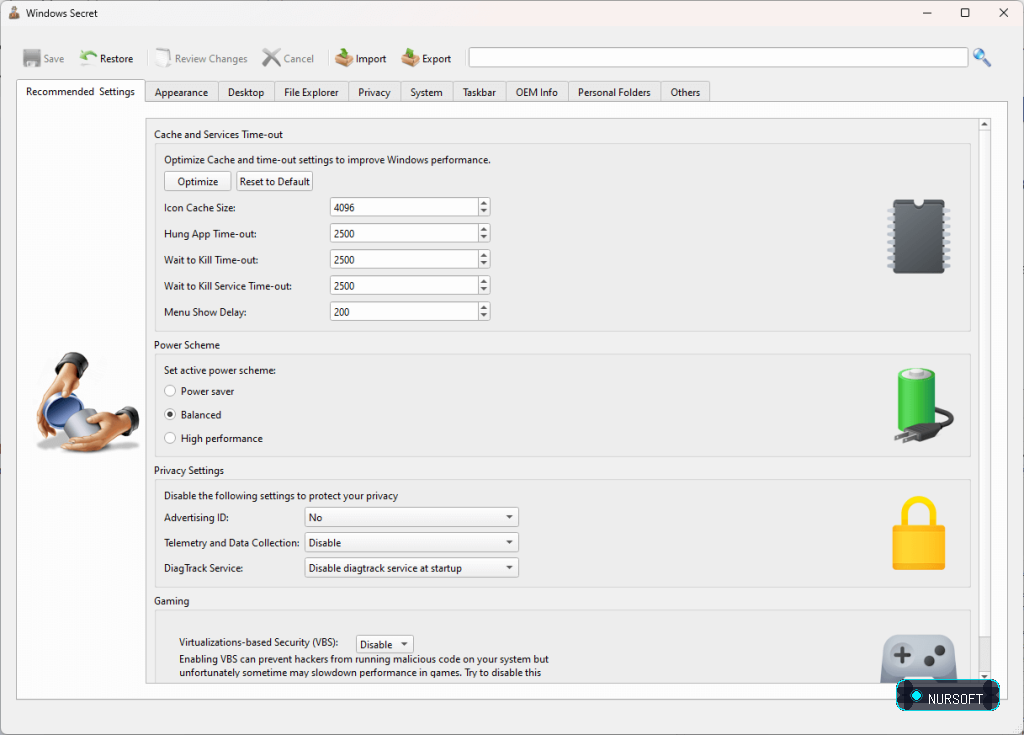
In addition to enhancing the visuals and basic functionality, the program can also lend a hand with improving privacy. In the tab with the same name, you can find three options for this purpose, the first one being that you can deny apps the possibility to show you personalized ads using your advertising ID.
At the same time, you can manage data collection and telemetry by disabling the corresponding features altogether. Lastly, you can disable DiagTrack at startup, which is essentially a service designed to send Microsoft more or less anonymous data periodically.
A handy tool to help you enhance Windows 11 on your system
In the eventuality that you enjoy using the newest Microsoft operating system, but feel that it could use a little bit of tweaks here and there, then perhaps you can consider giving TweakNow WinSecret a try.
- The Plus edition comes with extra features:
- Auto Dark Mode
- Auto Wallpaper Changer
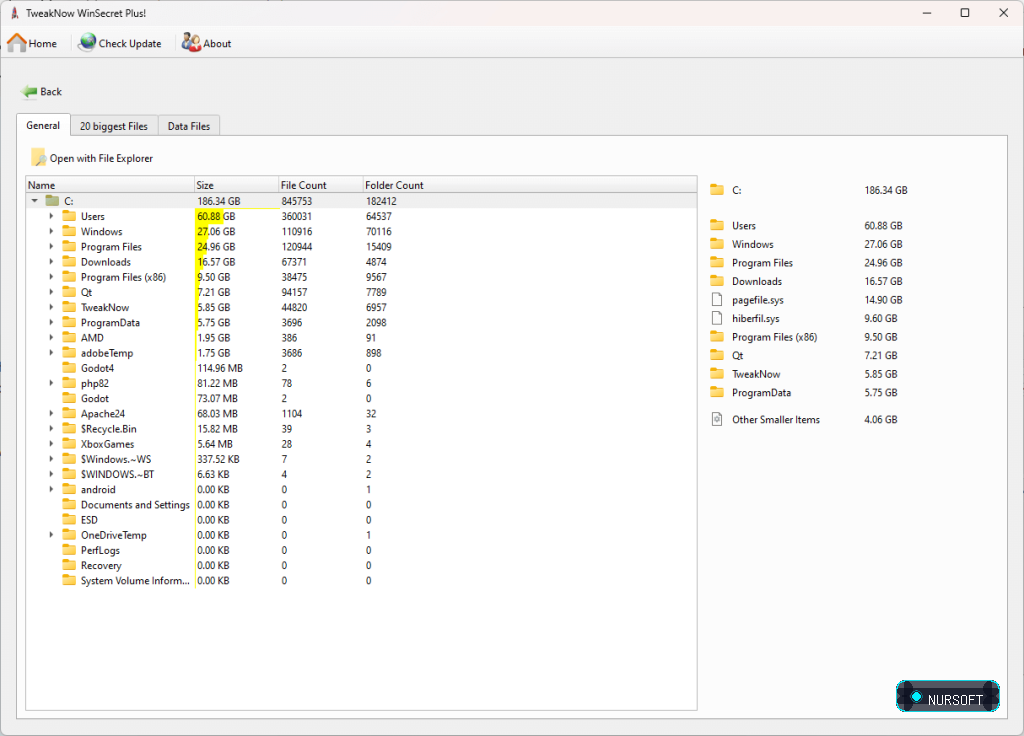
- Folder Size Analyzer
- Find Duplicate Files
- Secure Delete
- System Information
- Track Cleaner
- Transparent Taskbar
- Troubleshooter
- Windows Icon Extractor
- Windows Icon Generator
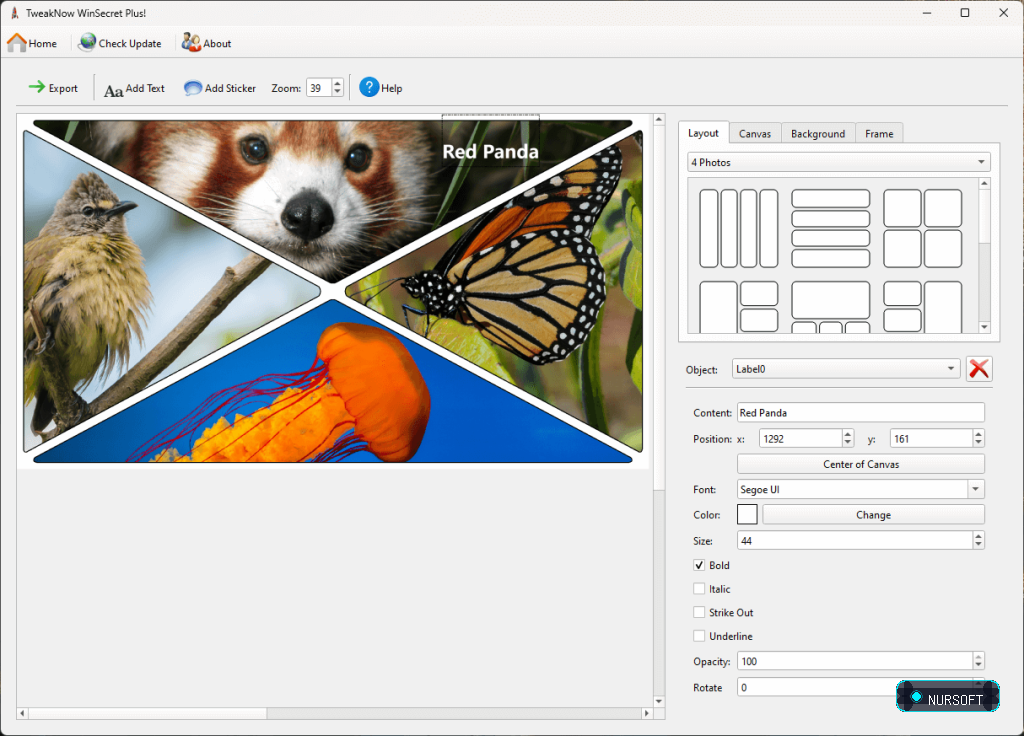
- Photo Collage Maker
- Process Manager
- Registry Cleaner
- Shortcut Keys
- Smart Shortcut
- Stay Awake
- Split Image
- PDF Splitter
- Color Picker
System Requirements
Ready to Download?
Choose your preferred mirror below. Downloads are fully scanned and verified safe.