BackendSide HashGen 2.0.0 2.0.0
Screenshots
Description
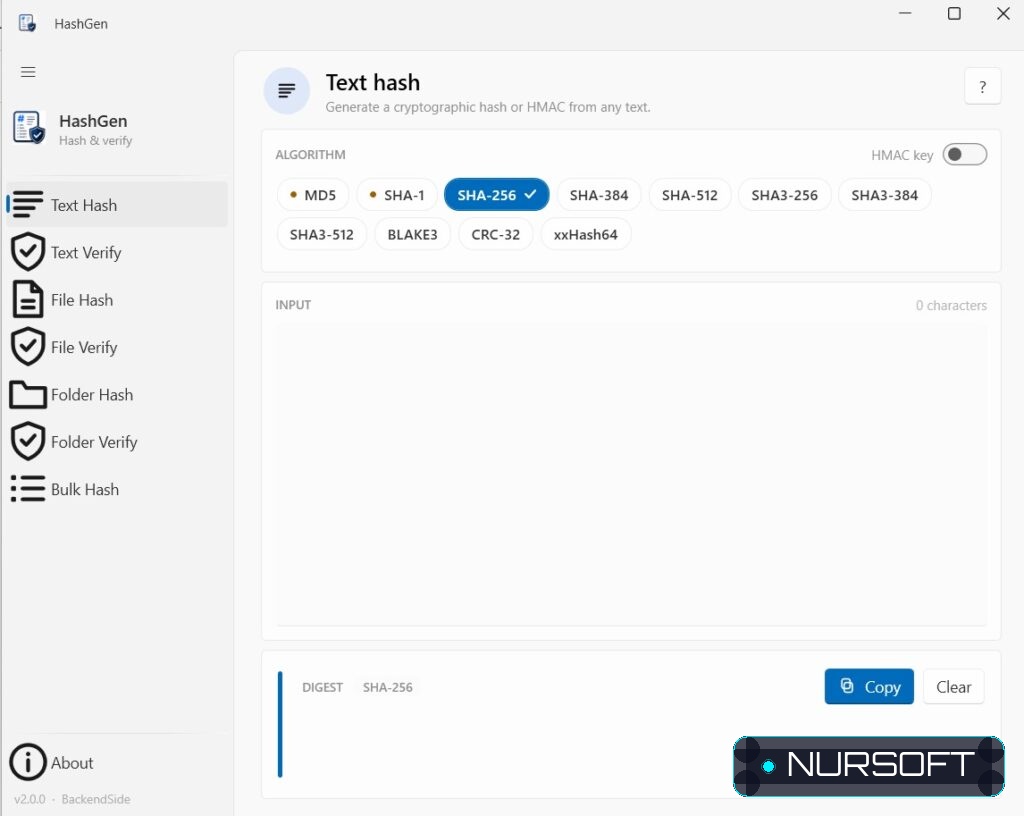
HashGen is a fast, easy way to create and check hashes (checksums) for text, files and entire folders. Use it to confirm a download wasn’t corrupted or tampered with, to detect whether a file has changed, or to generate checksums to share with others.
Everything runs entirely on your PC — your files and text never leave your device.
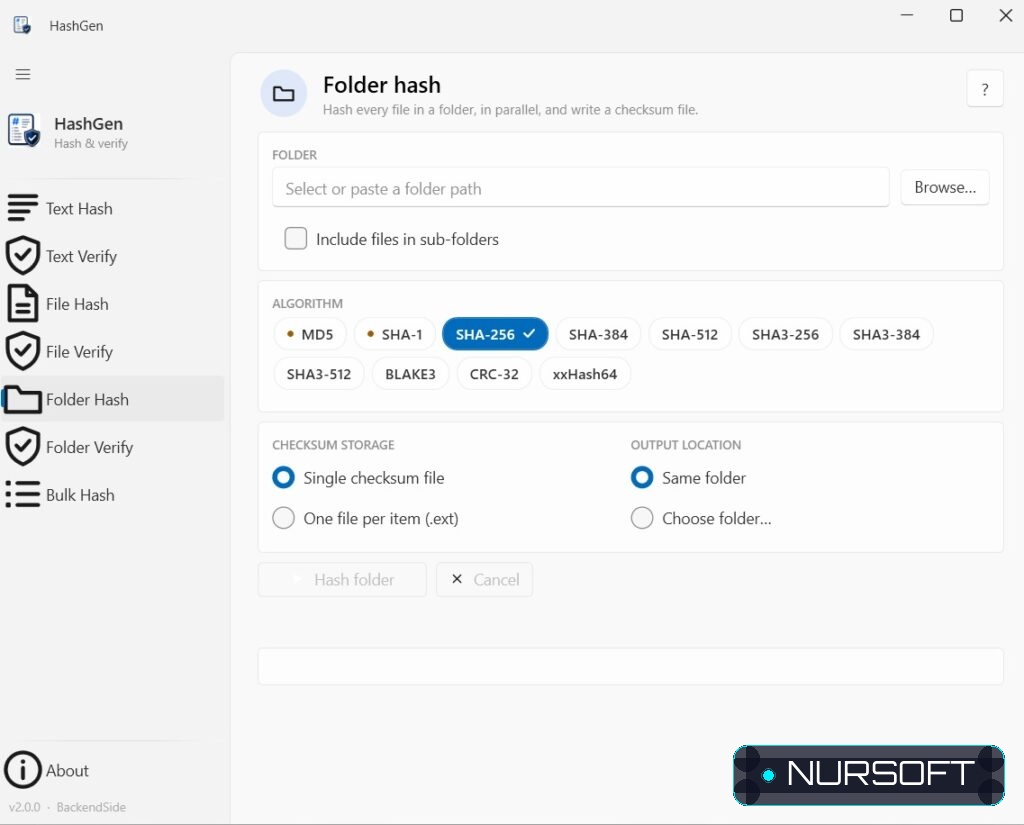
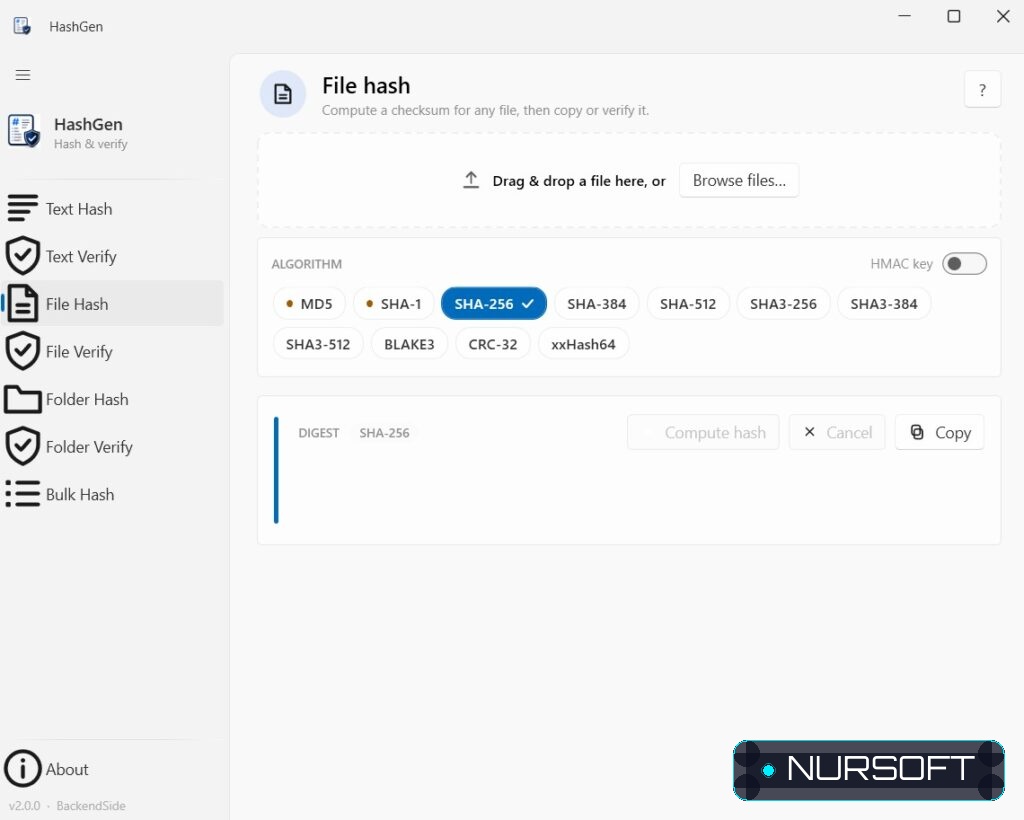
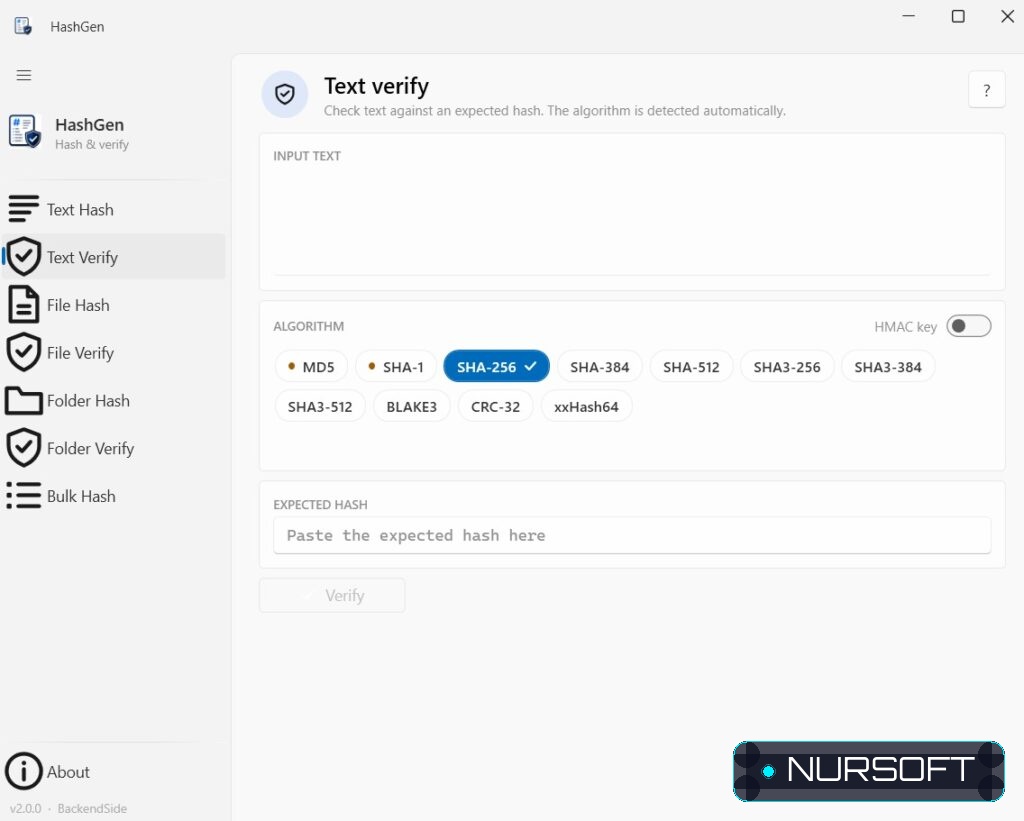
WHAT YOU CAN DO • Hash text — type or paste anything and get its hash instantly. • Hash files — drag in a file (or browse) and compute its checksum, with a progress bar for large files. • Verify — paste a hash you were given and HashGen tells you, with a clear green “Match” or red “No match”, whether your text or file is identical. It even detects which algorithm to use automatically. • Hash whole folders — checksum every file in a folder at once and save the results as a single standard checksum file (compatible with common tools) or as one file per item. • Re-verify folders — confirm later that nothing in a folder has changed, with a colour-coded pass/fail list. • Bulk hash — hash every line of a text file into a results file, with your choice of output format. Even very large files are handled smoothly.
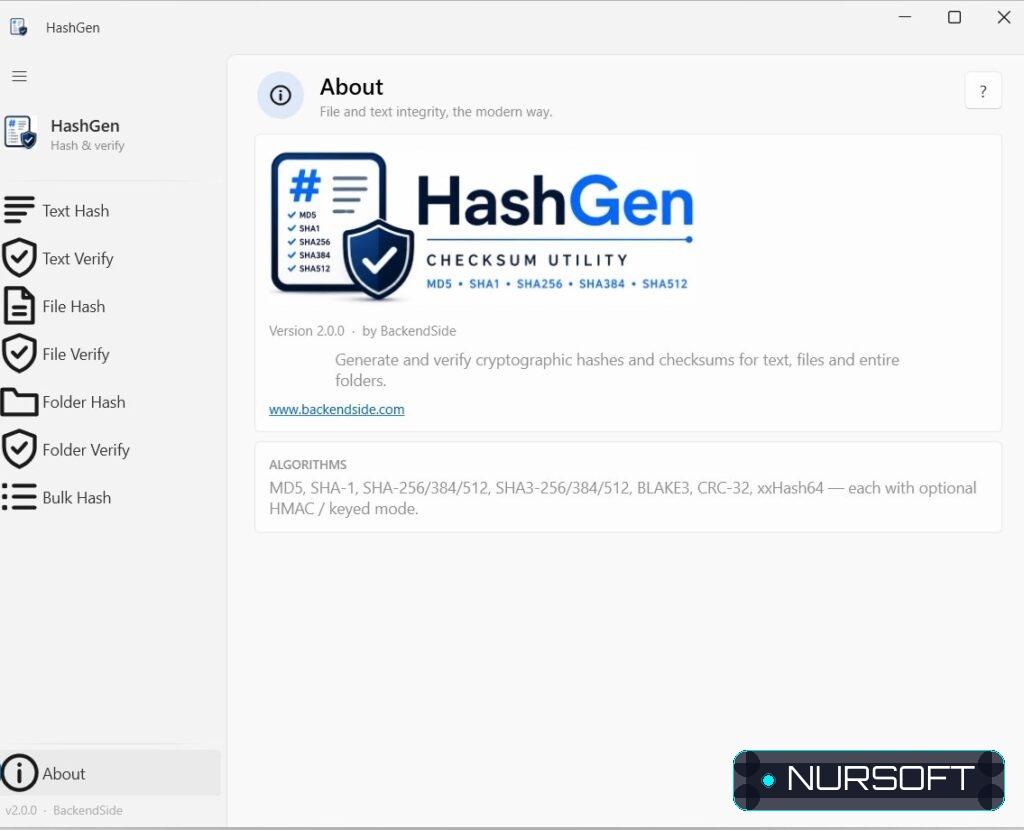
ALGORITHMS MD5, SHA-1, SHA-256, SHA-384, SHA-512, SHA3-256, SHA3-384, SHA3-512, BLAKE3, CRC-32 and xxHash64 — with optional keyed (HMAC) mode. Weak legacy algorithms are clearly flagged so you always know which ones are safe to rely on.
DESIGNED TO BE SIMPLE • Clean, modern interface that follows your Windows light or dark theme. • Drag-and-drop, one-click copy to clipboard, and live progress. • Helpful tips on every screen.
Perfect for anyone who downloads software, shares files, keeps backups, or just wants peace of mind that their data is intact.
Features
Supports all major hash algorithms: MD5, SHA1, SHA256, SHA384, SHA512
- Hash files of any type (documents, images, executables)
- Generate hashes from text input
- Compare hashes to verify file integrity
- Copy hashes to clipboard with one click
- Bulk Hash option to generate hashes of dictionary words or hash of each line in a text file
System Requirements
Ready to Download?
Choose your preferred mirror below. Downloads are fully scanned and verified safe.